
1 Zero Deposit Apartments for Rent in Avilla Apartment · 50 nearby
1 zero-deposit apartments in Avilla Apartment · 50 nearby · from RM470 · verified listings · updated daily
1 in Avilla Apartment · 50 nearby
Homes for Rent in Avilla Apartment Bandar Puchong Jaya
 VERIFIED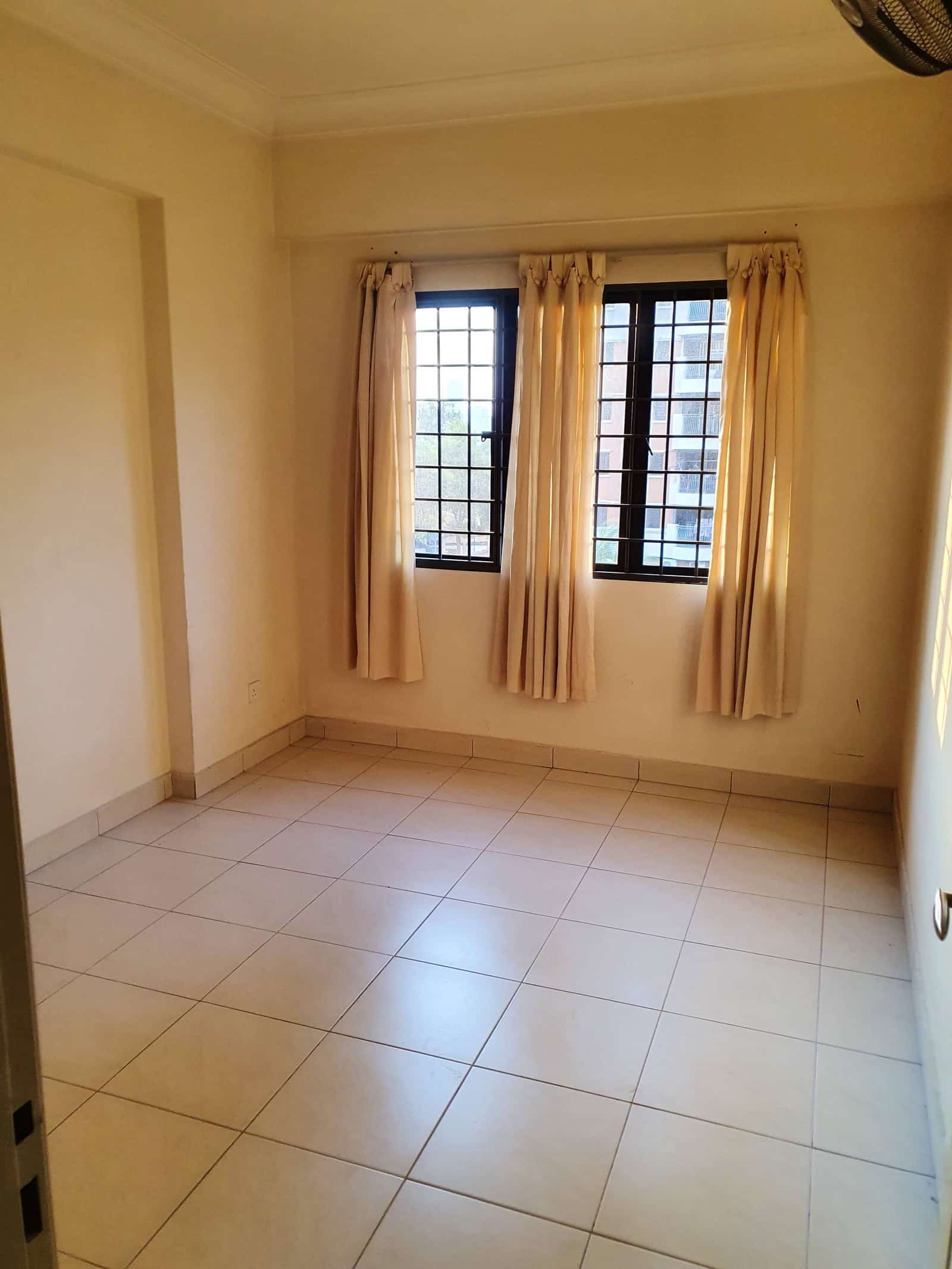
 3
3 2
2 1
1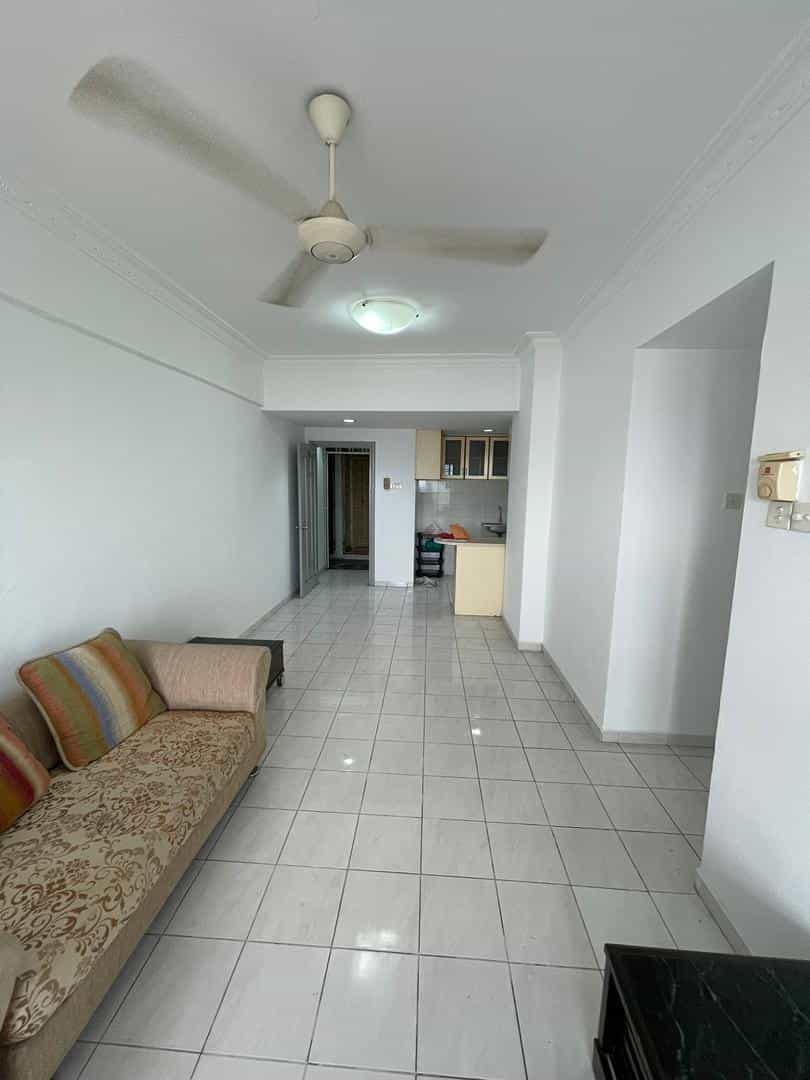

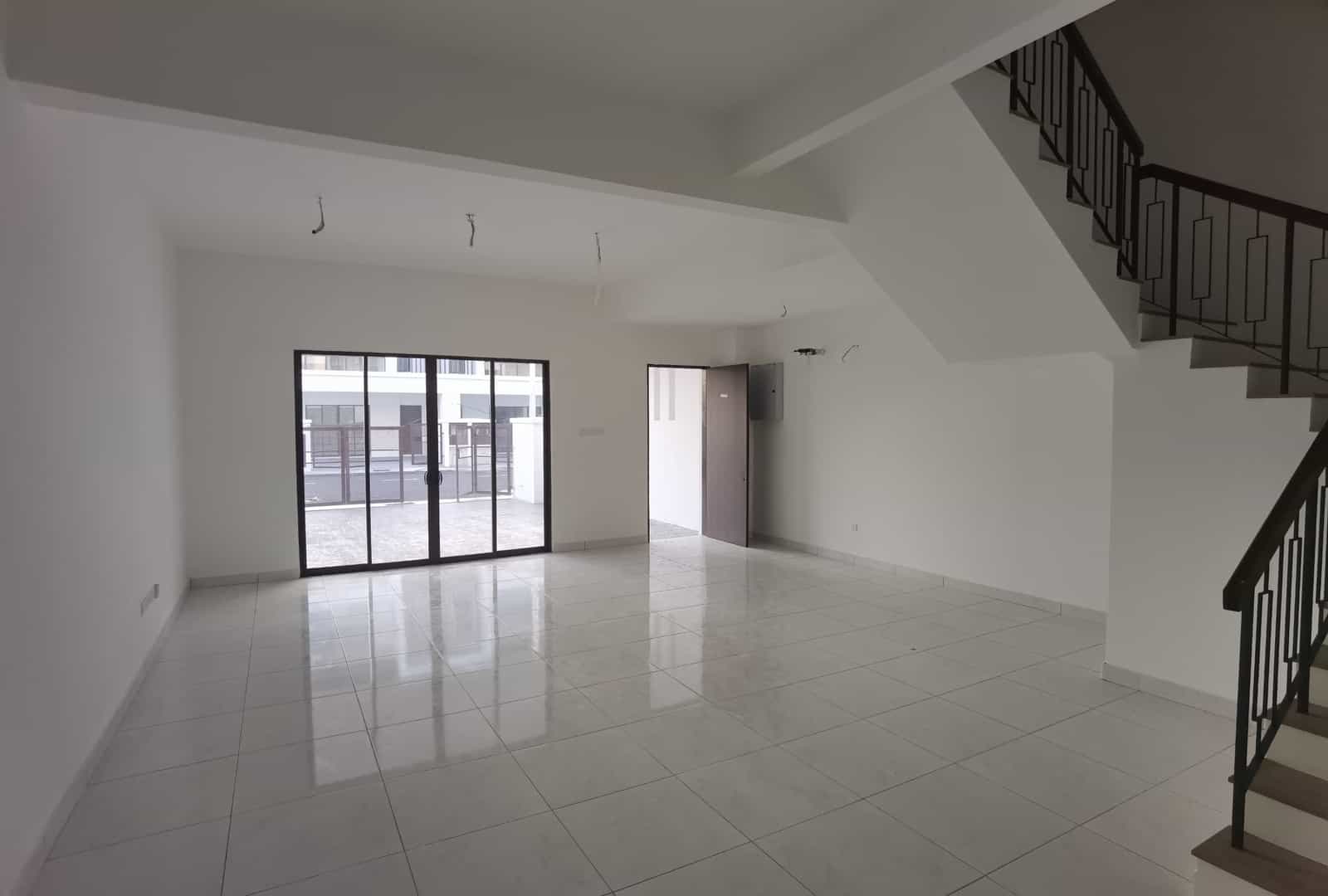
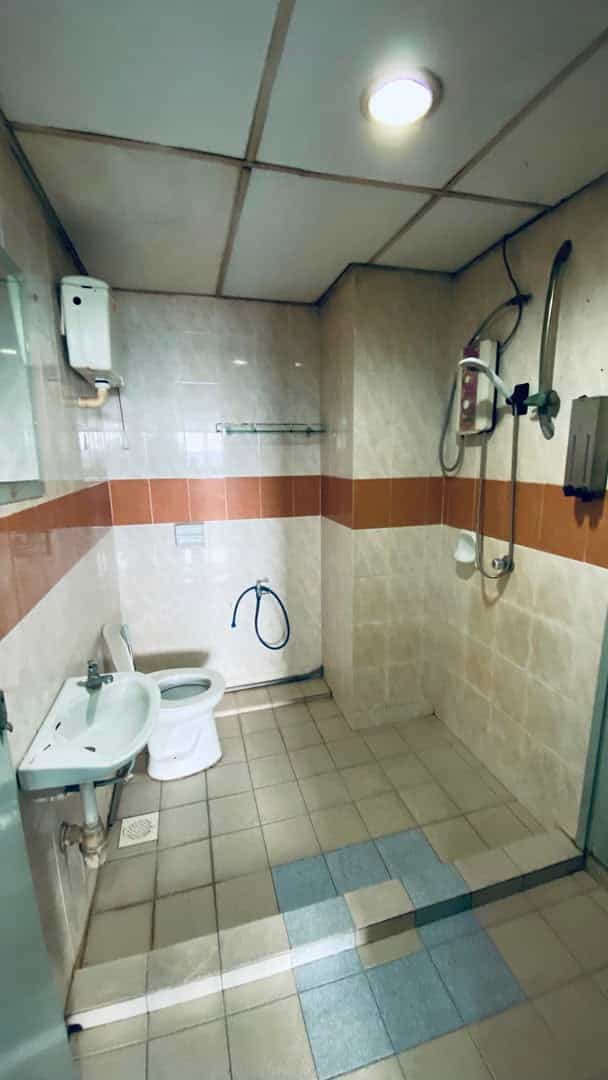

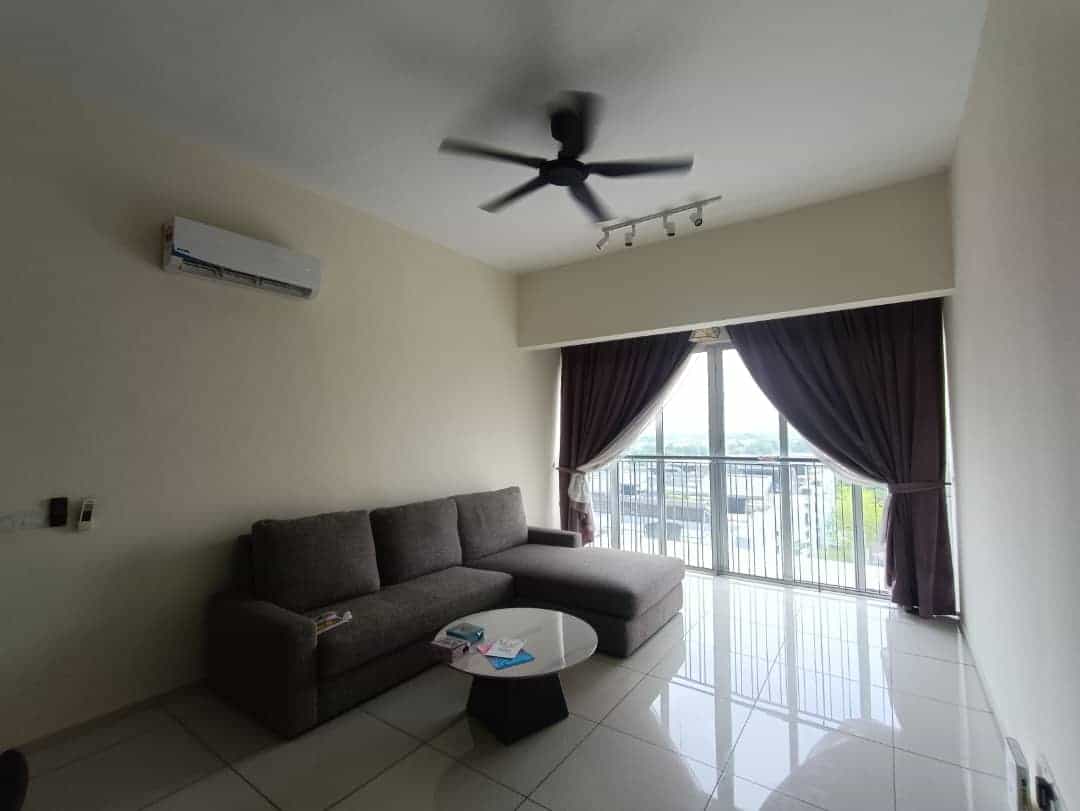
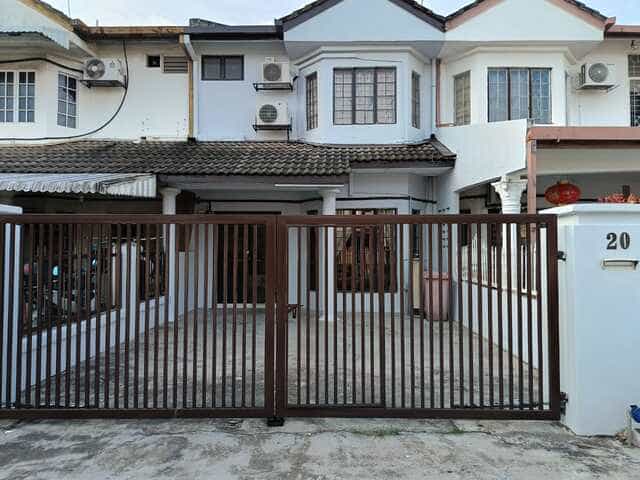


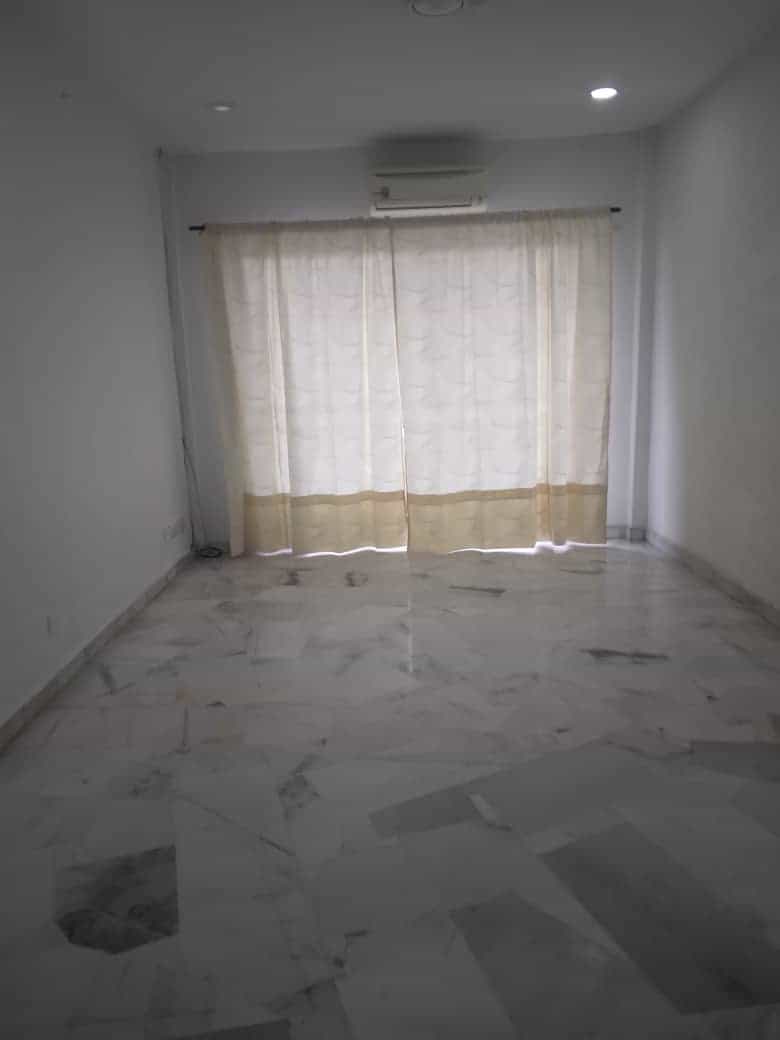
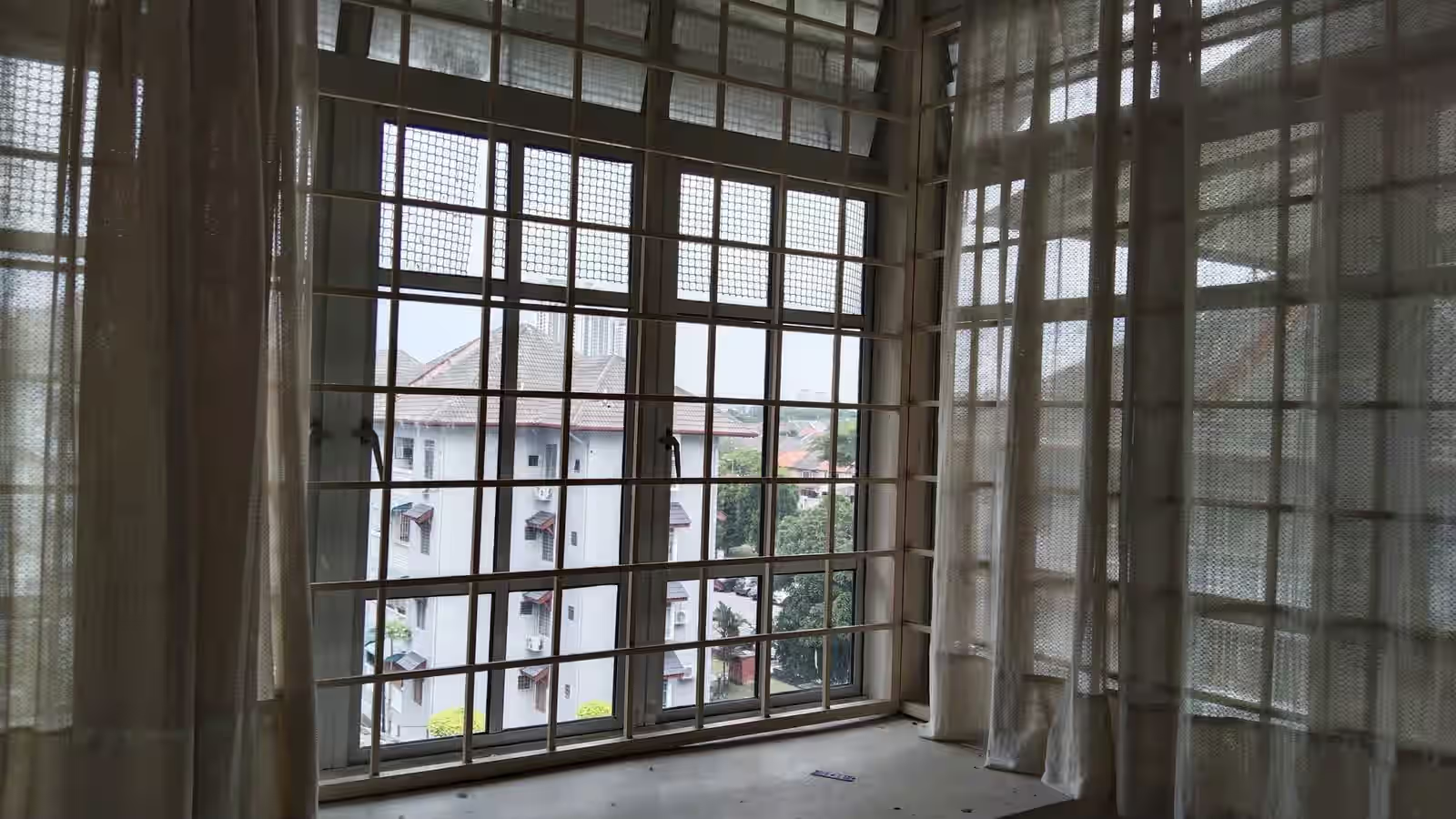
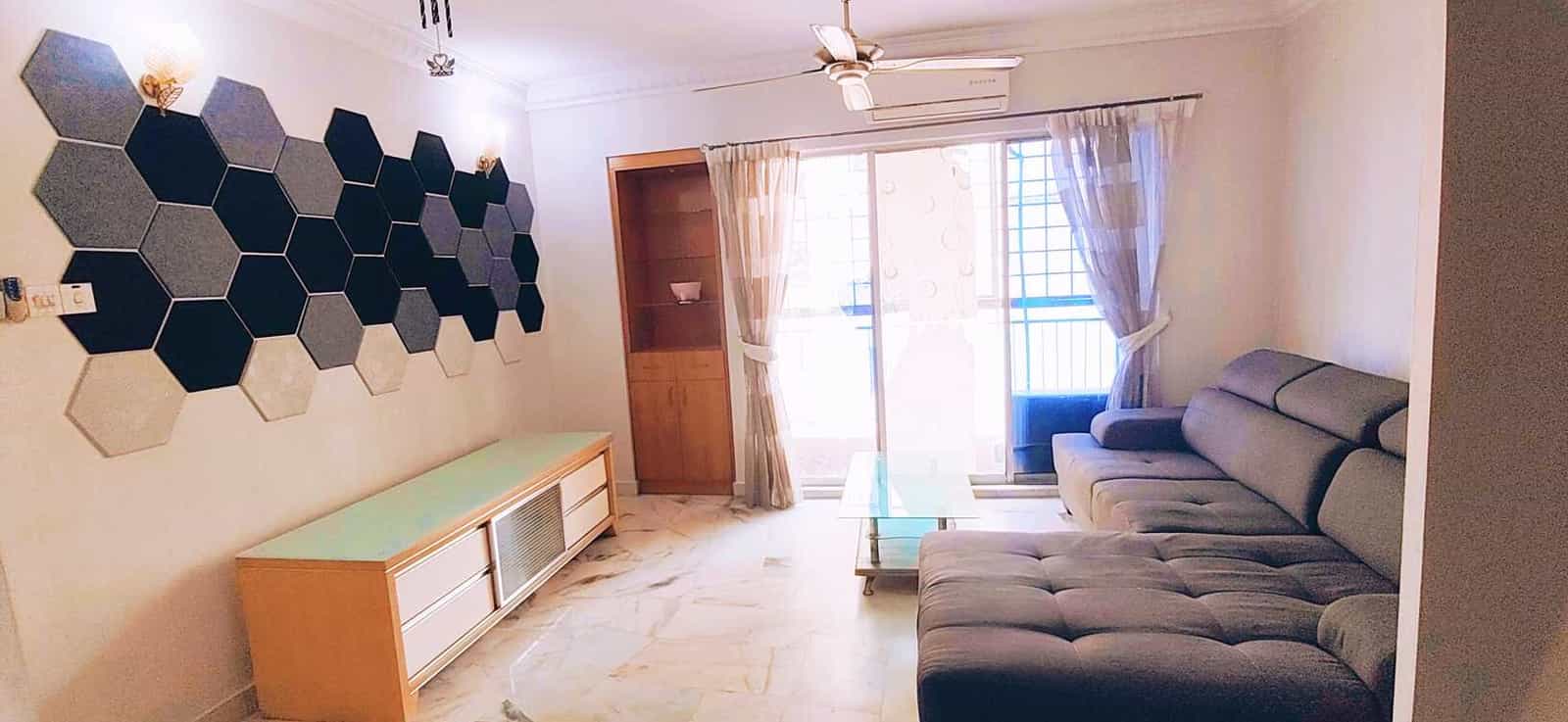
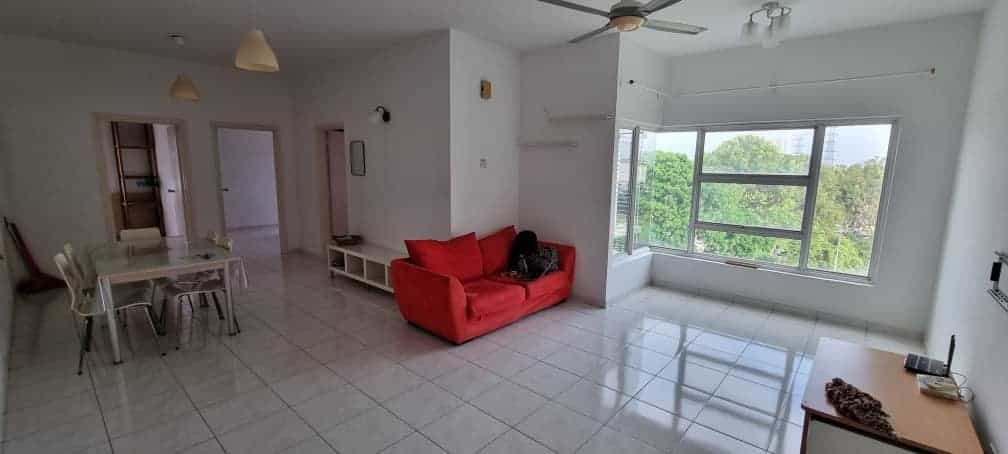
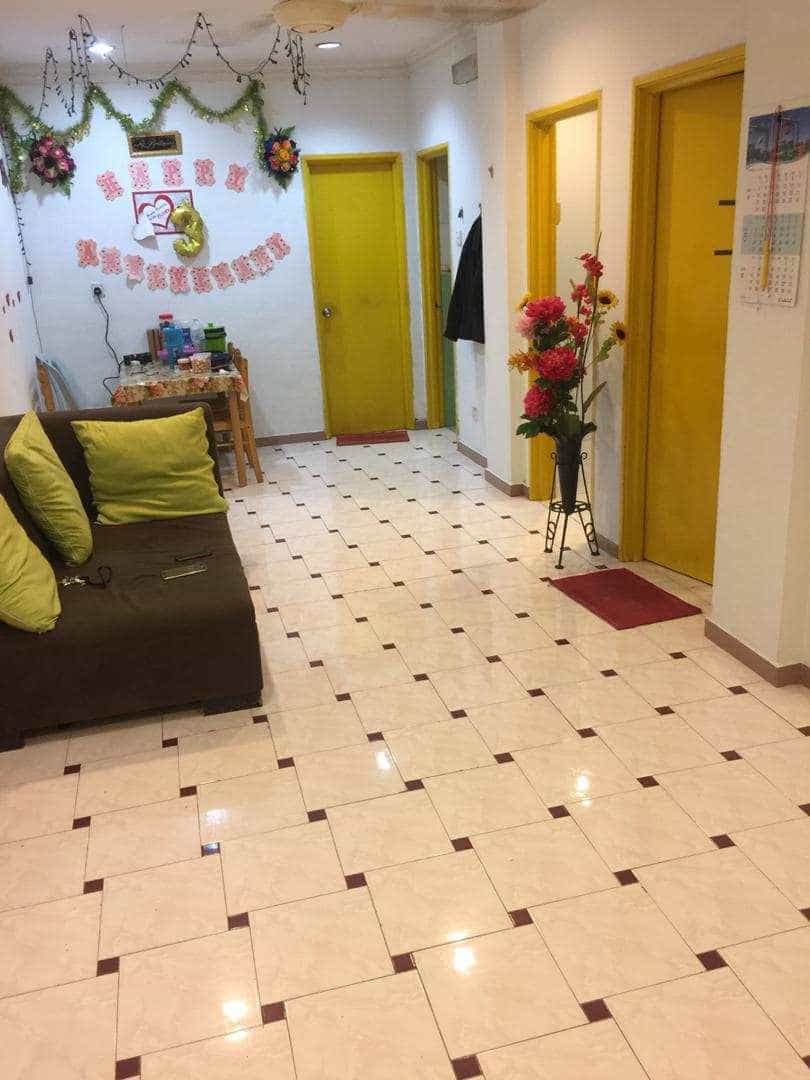

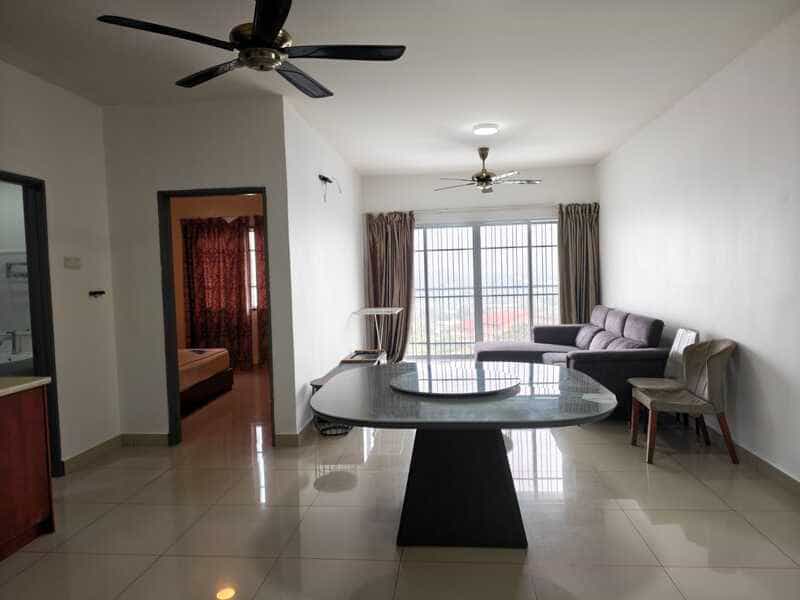
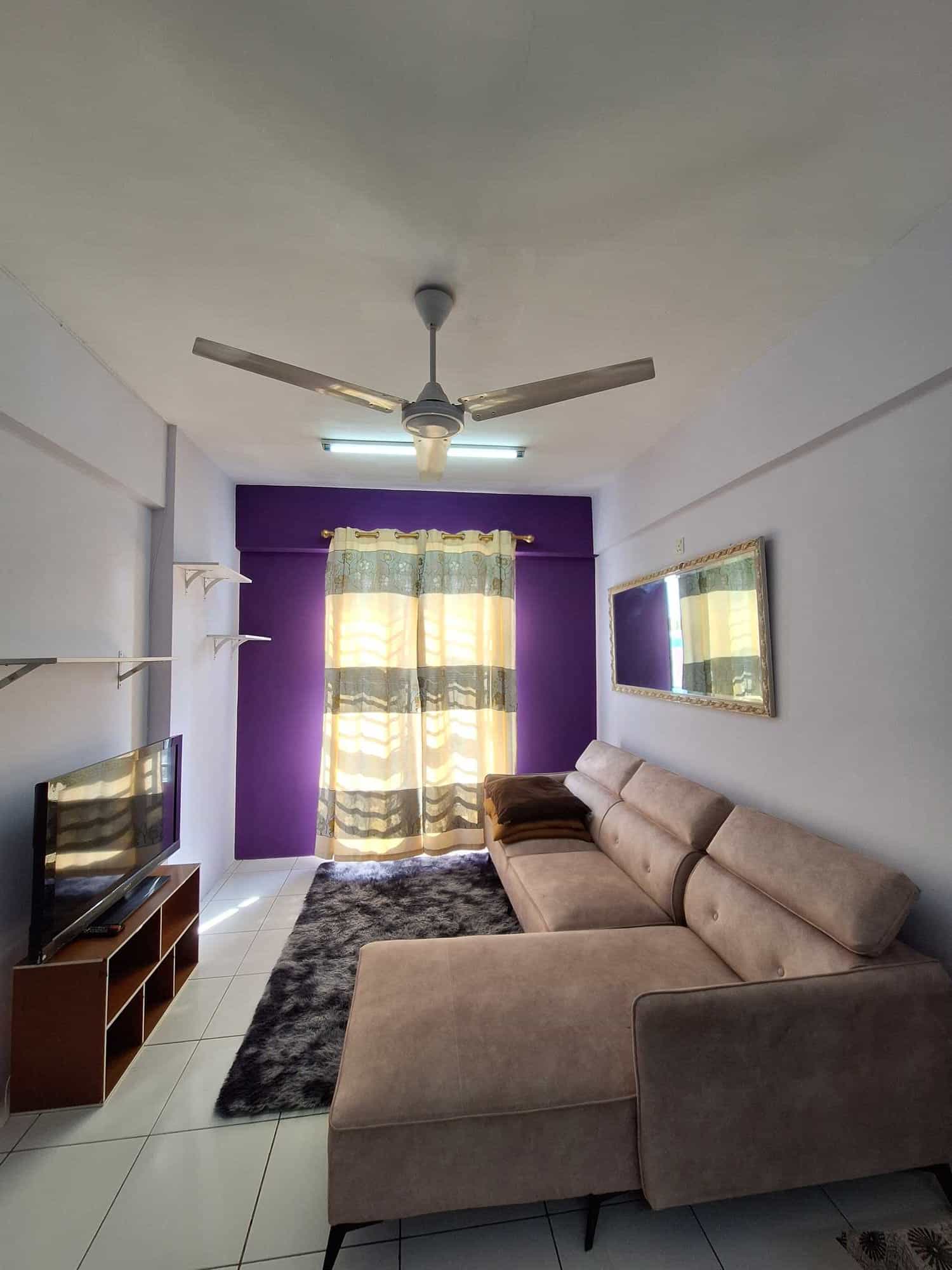

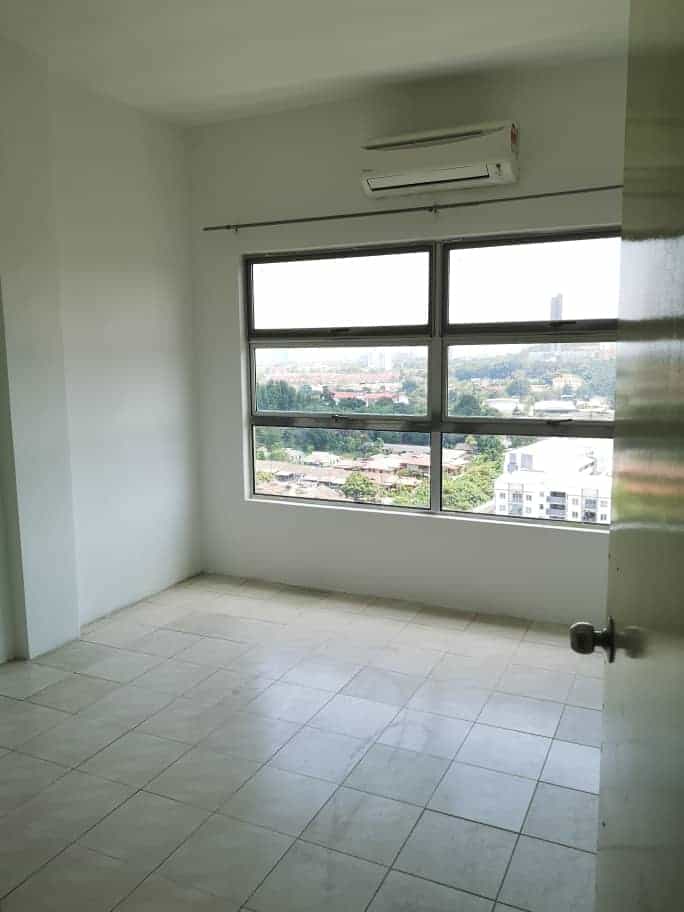
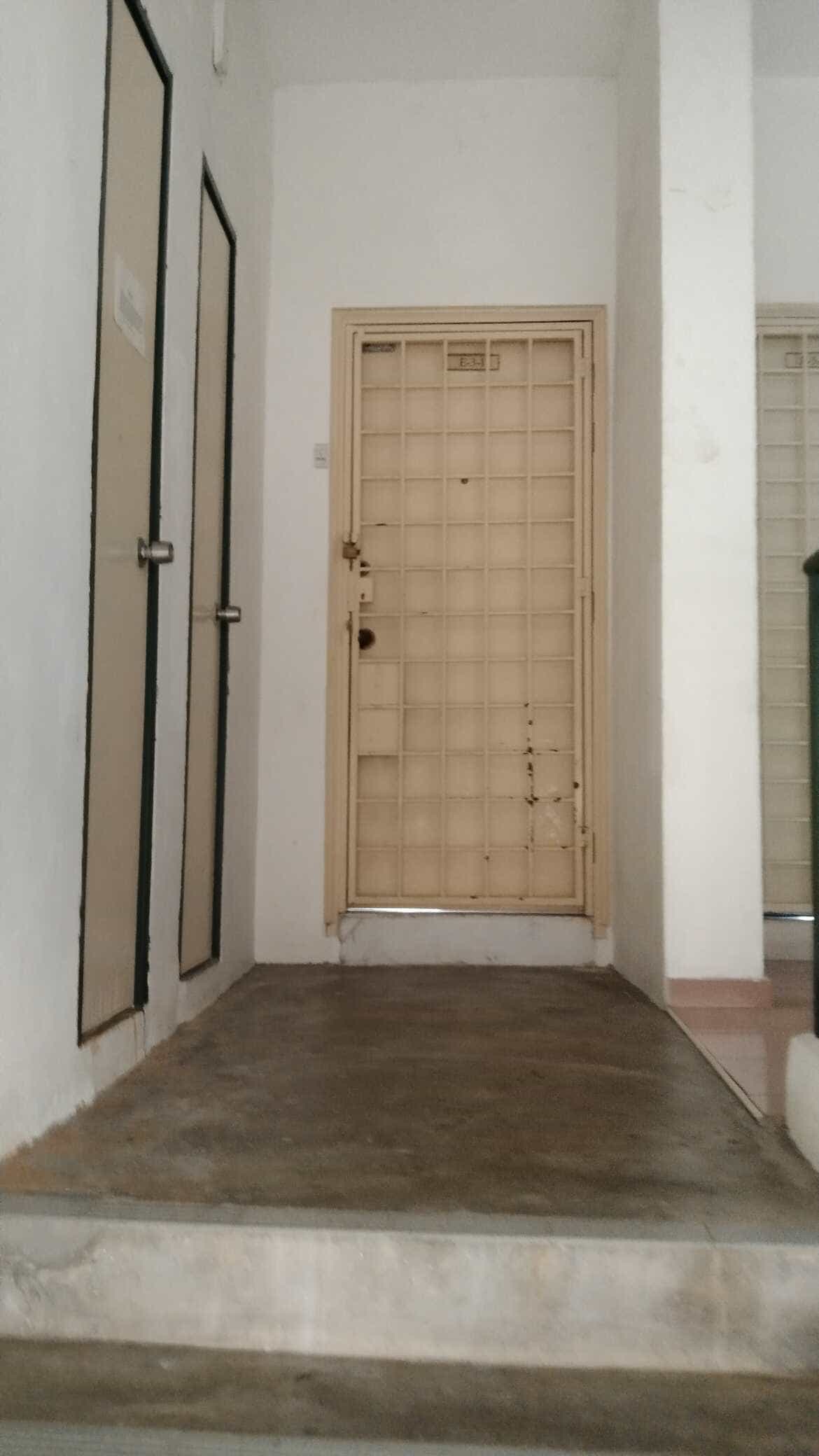

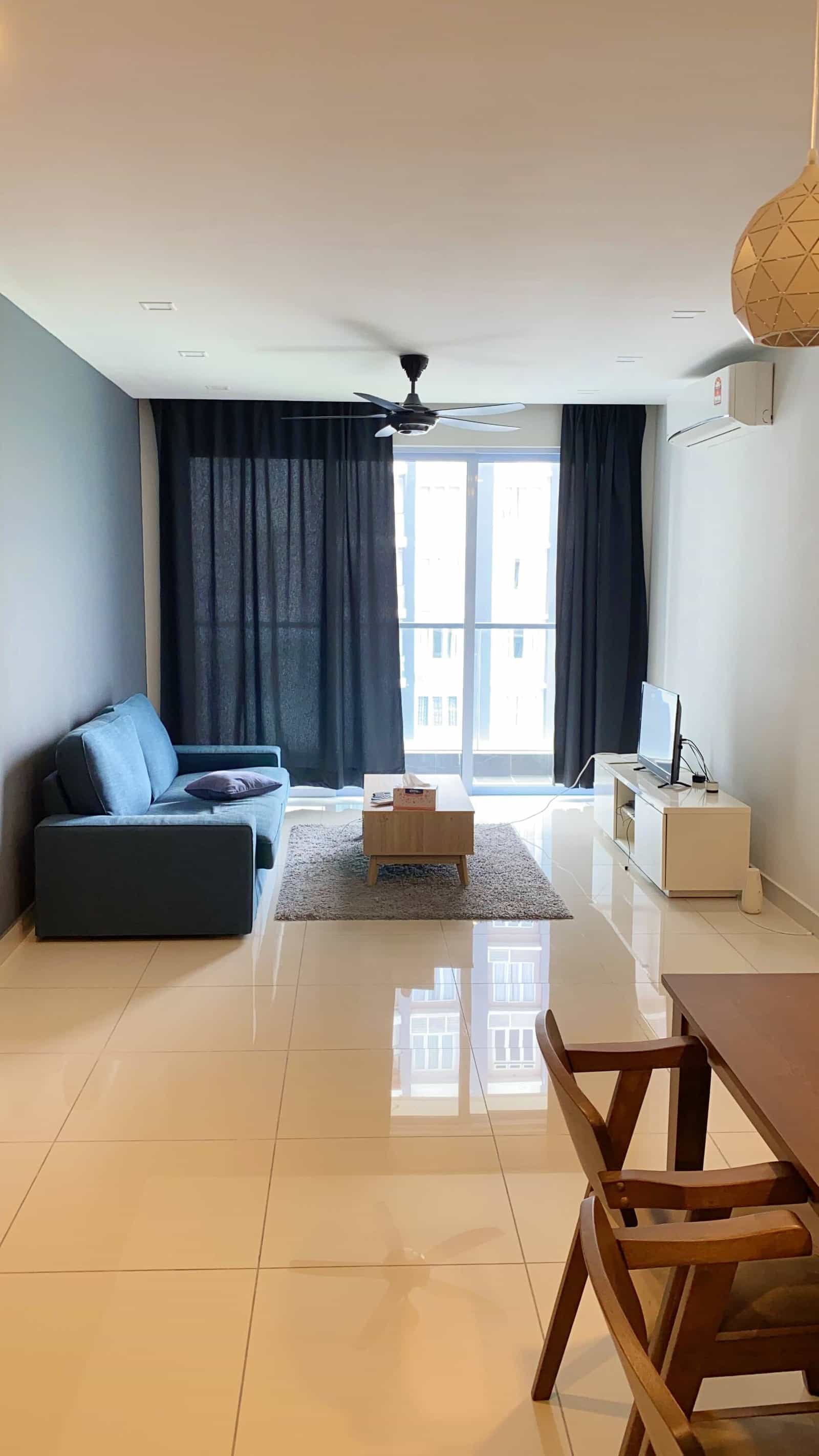
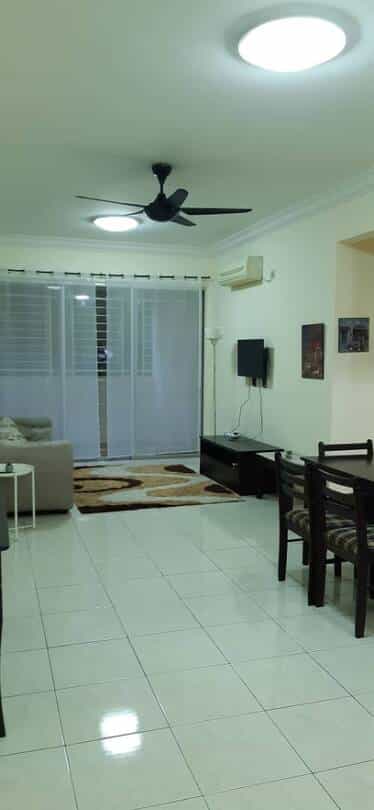


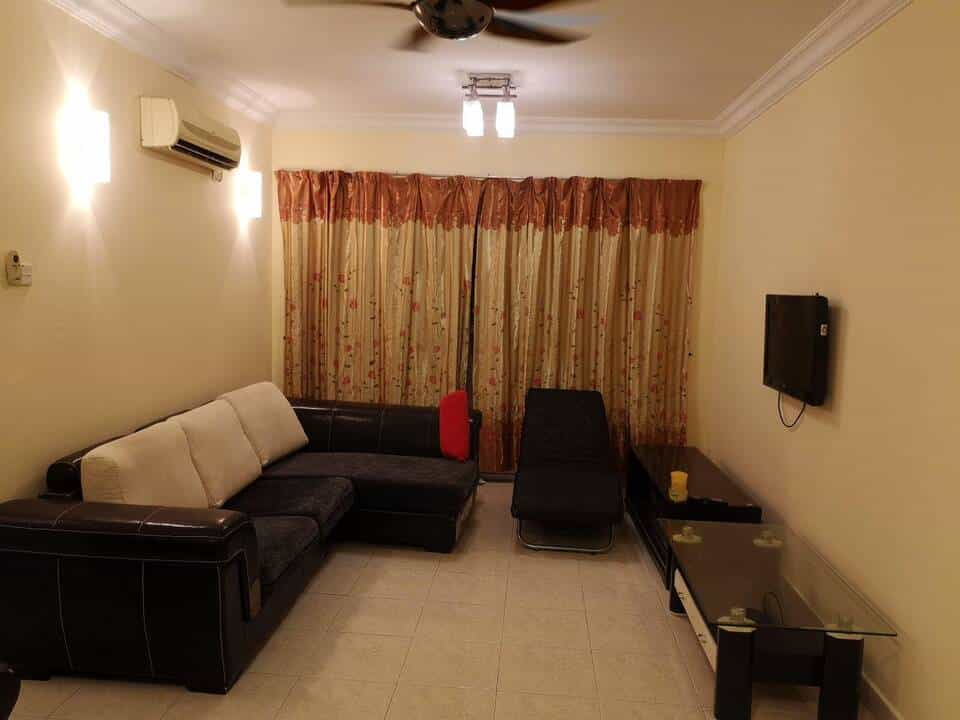
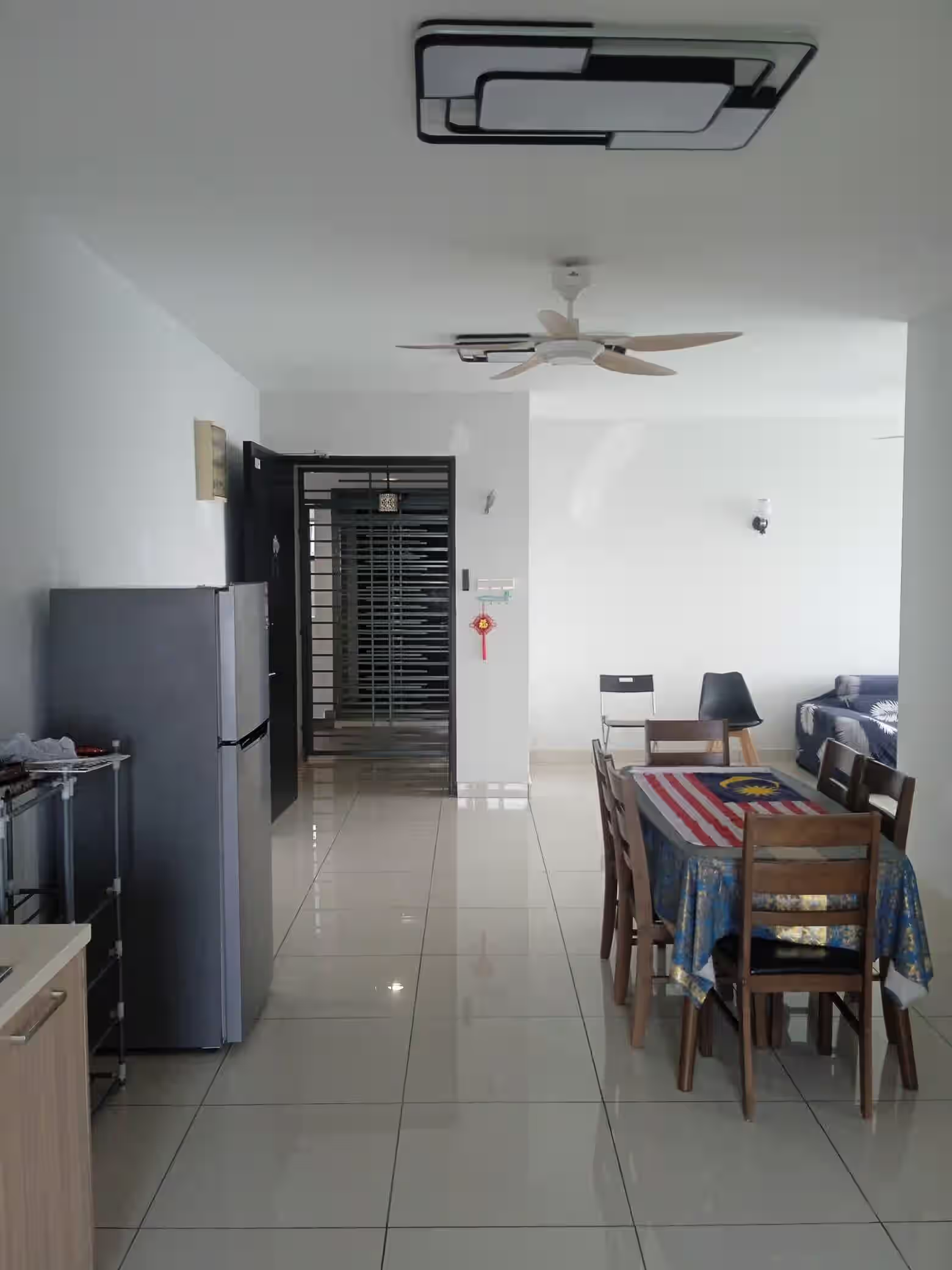
Rental choices at Avilla Apartment
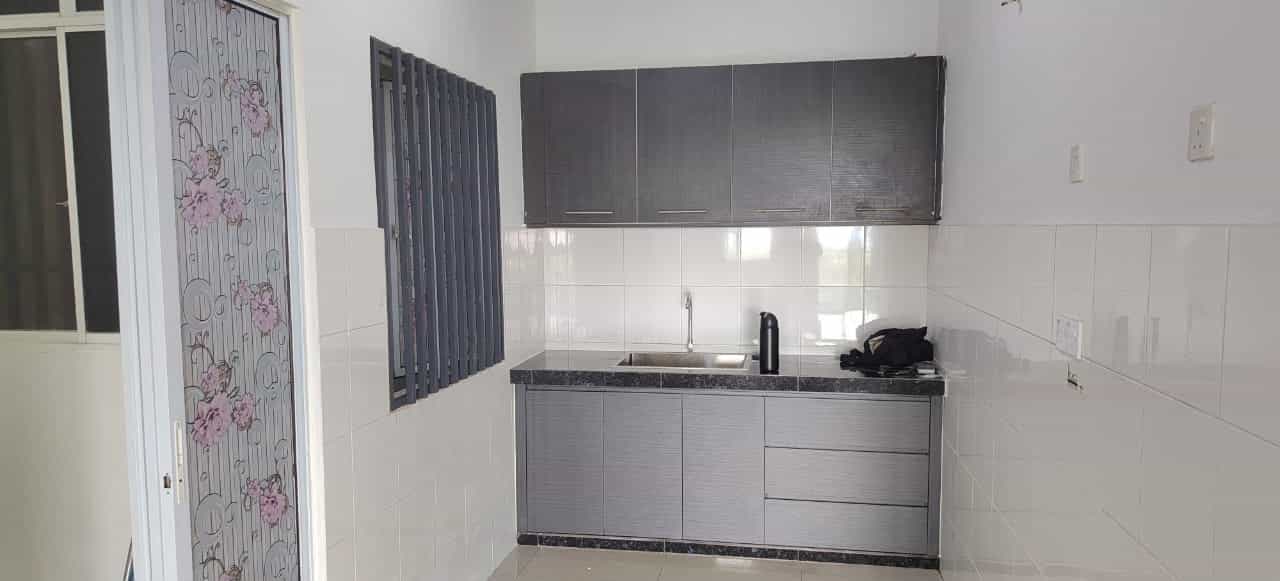
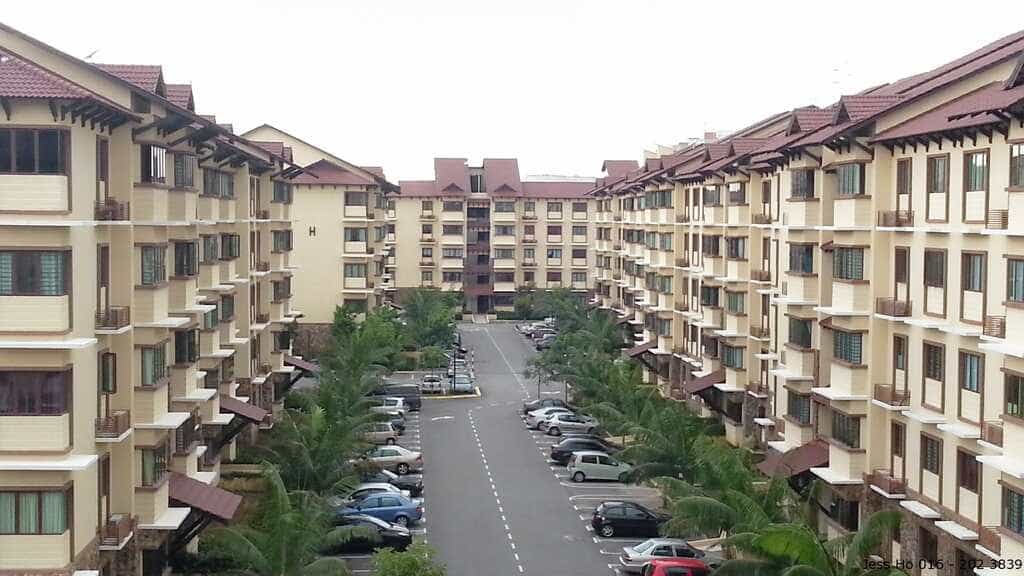
Avilla Apartment is listed by property sources in Bandar Puchong Jaya, Puchong, giving this building route a useful location reference. The same sources show different street references, so verify the complete address and unit with the advertiser. Review each current offer’s apartment type, layout, condition, furnishings, building rules and tenancy terms. Ask about utilities, maintenance, move-in dates and viewing arrangements, then compare the home you see with the advertised description. The building label does not establish current inventory or promise facilities in a particular unit. Use the exact listing address to consider your daily travel, and decide based on confirmed details rather than assumptions about all homes in the development.
Advantages of Renting a House in avilla-apartment-bandar-puchong-jaya
A building-focused search for Avilla Apartment keeps comparisons tied to the supplied name while allowing you to check every home individually. Listings associate it with Bandar Puchong Jaya, Puchong, but confirm the exact street and unit because source entries vary. Review apartment condition, furnishings, stated rules, utilities and tenancy terms. Ask the advertiser about maintenance and viewing access before applying. Compare asking rents on current matching SPEEDHOME listings and add recurring costs shown in the offer. A verified address and an inspection can help determine whether a specific apartment and its terms meet your requirements.
Avilla Apartment rental questions
Check the full address, apartment type, unit condition, furnishings and tenancy terms. Ask which utilities, appliances and recurring charges are included before arranging a visit.
Compare asking rents displayed on current matching SPEEDHOME listings and check each offer’s stated inclusions. Add utilities or other recurring expenses to see the full monthly amount.
Use the live application flow linked to the current listing. Confirm the unit, move-in timing and tenancy details with the advertiser before you submit an application.
Plan from the exact address confirmed for the listing and check current routes to your regular destinations. The building name does not resolve differences in street references.
Ask the advertiser about a viewing and confirm the unit address. Compare the apartment with its listing, inspect its condition and clarify any monthly charges.